Privacy Policy
Last updated: March 2026
Latch is local-first. Passwords and TOTP secrets stay on-device in Apple Keychain.
Data Collection
Latch is built around local ownership. The app does not require accounts and does not use analytics or ad trackers. In normal use, your vault data remains on your device.
- Does not require account creation or sign-in
- Does not rely on cloud sync in the current implementation
- Does not track your usage or behavior with third-party analytics
- Does not include third-party advertising SDKs or trackers
- Does not sell your data to third parties
How Data Is Stored
Latch separates sensitive secrets from metadata to reduce exposure and use platform protections effectively:
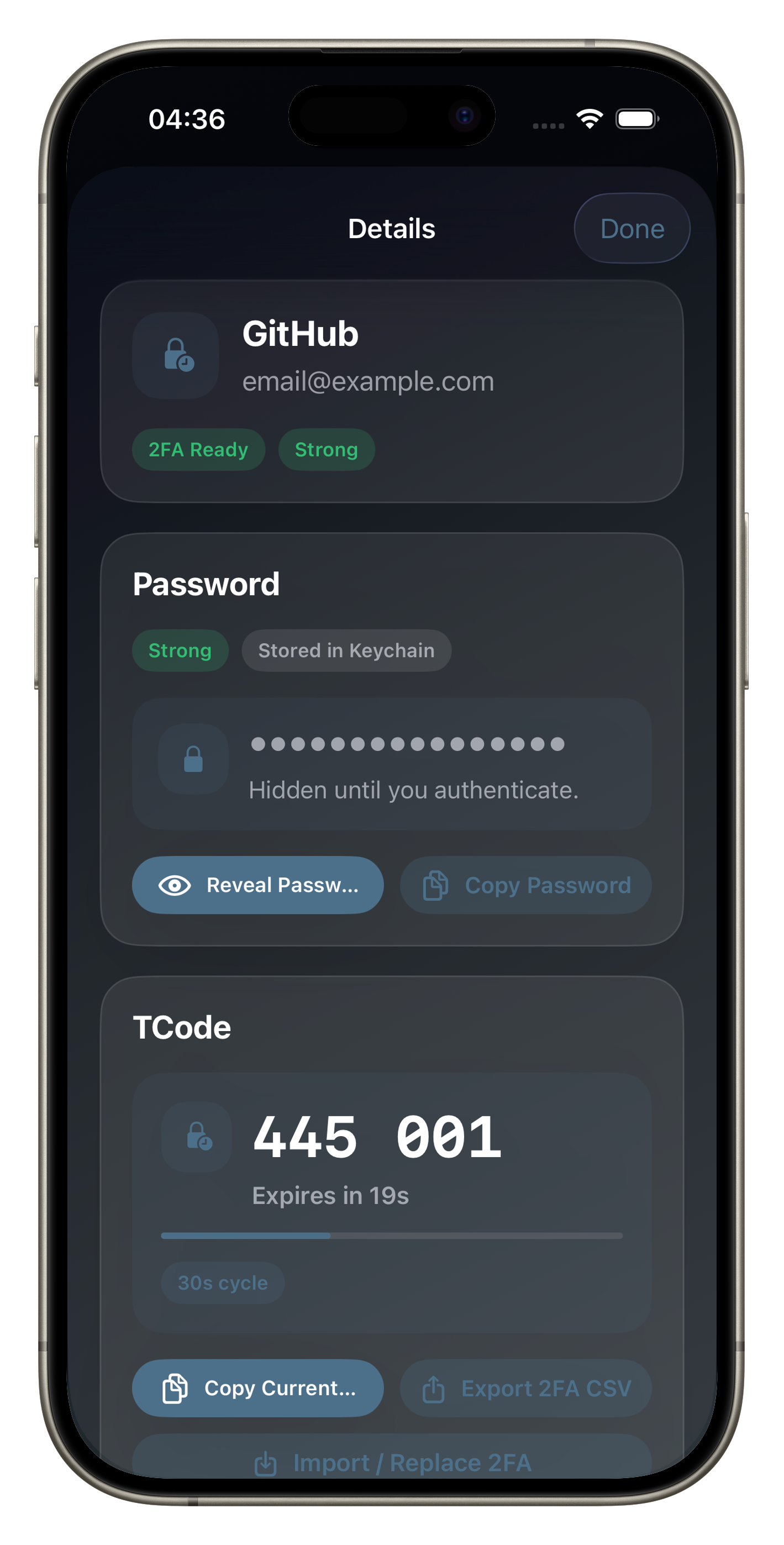
- Passwords are stored in Apple Keychain
- TOTP secrets are stored in Apple Keychain
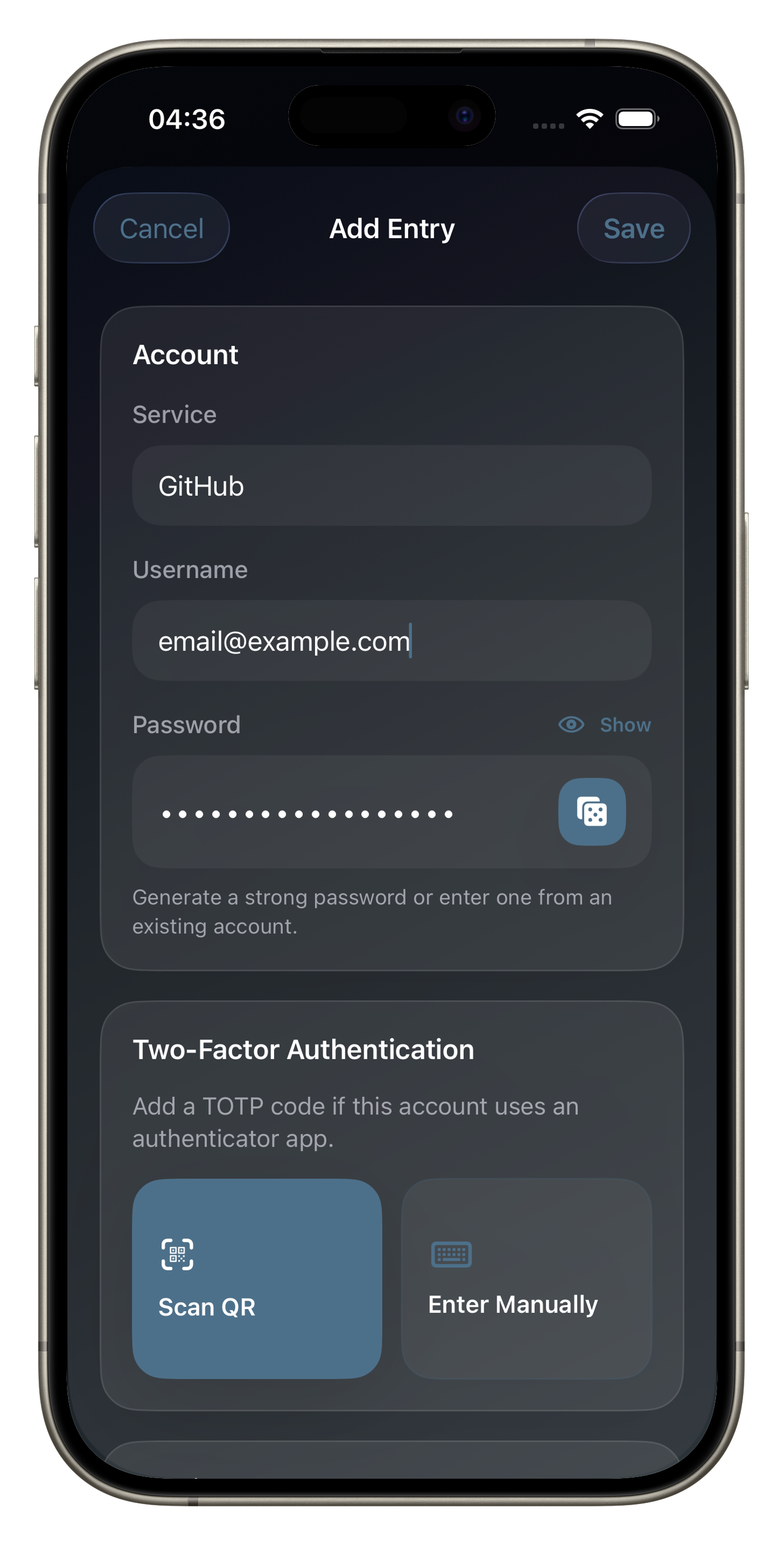
- Entry metadata (service, username, notes, tags, favorites, timestamps) is stored locally in app storage
- You can remove app data at any time by deleting the app
Security Behaviors
Latch supports optional biometric unlock, app-level auto-lock after background inactivity, and re-authentication before revealing or copying sensitive values.
Interoperability
Latch supports CSV import for passwords and per-entry TOTP export to avoid lock-in and help you move your data when needed.
Changes to This Policy
If we make material changes to this page, we will update the policy here and revise the date above.
Contact
If you have any questions about this privacy policy or Latch, please contact us at feedback@appsbyjosh.com.